
You can open a repository’s PRCC settings and understand the access and setup requirements for repository registration. This article only covers the parts of that workflow that are confirmed.
Step by step
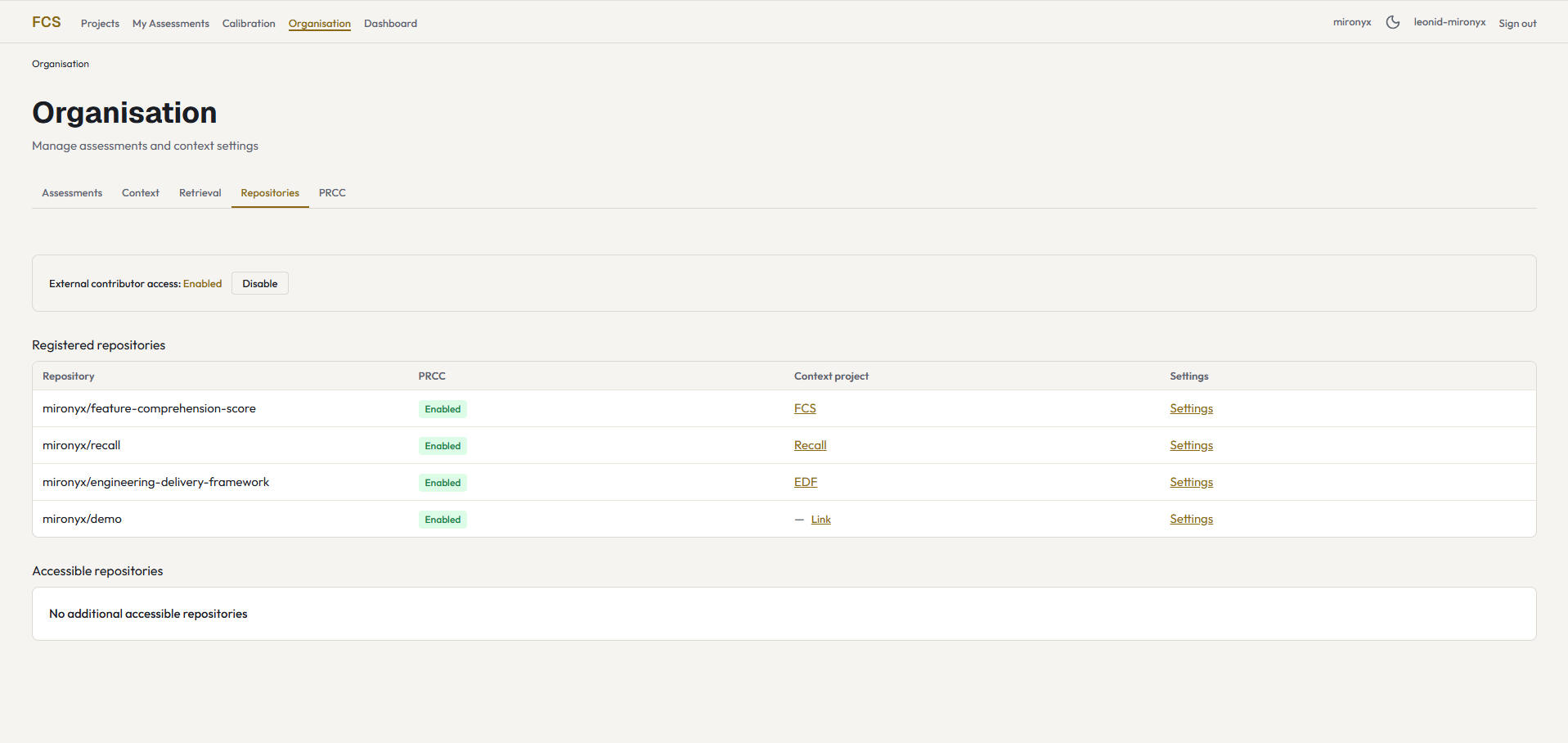
- Open the repository settings view for the repository you want to manage.
- Check the page header to confirm you are editing the correct repository. The repository name is shown at the top of the page.

Good to know
You must be an Org Admin or a Repo Admin for that specific repository to access repository PRCC settings. If you cannot open the repository settings, ask an Org Admin to grant the right access.
- If your organisation has GitHub access configured, the repository list used for registration can include both:
- repositories already registered to your organisation, and - repositories available through the GitHub installation but not yet registered.
- A repository can already have PRCC enabled through organisation defaults even if it has no repository-specific override yet.