
Use the project’s Settings area to review the configuration FCS uses for that project. This helps you make sure the first assessment uses the right scope, context, and question count.
Step by step
- Open your organisation’s Projects area, then select the project you want to prepare.
- Open Settings for that project.
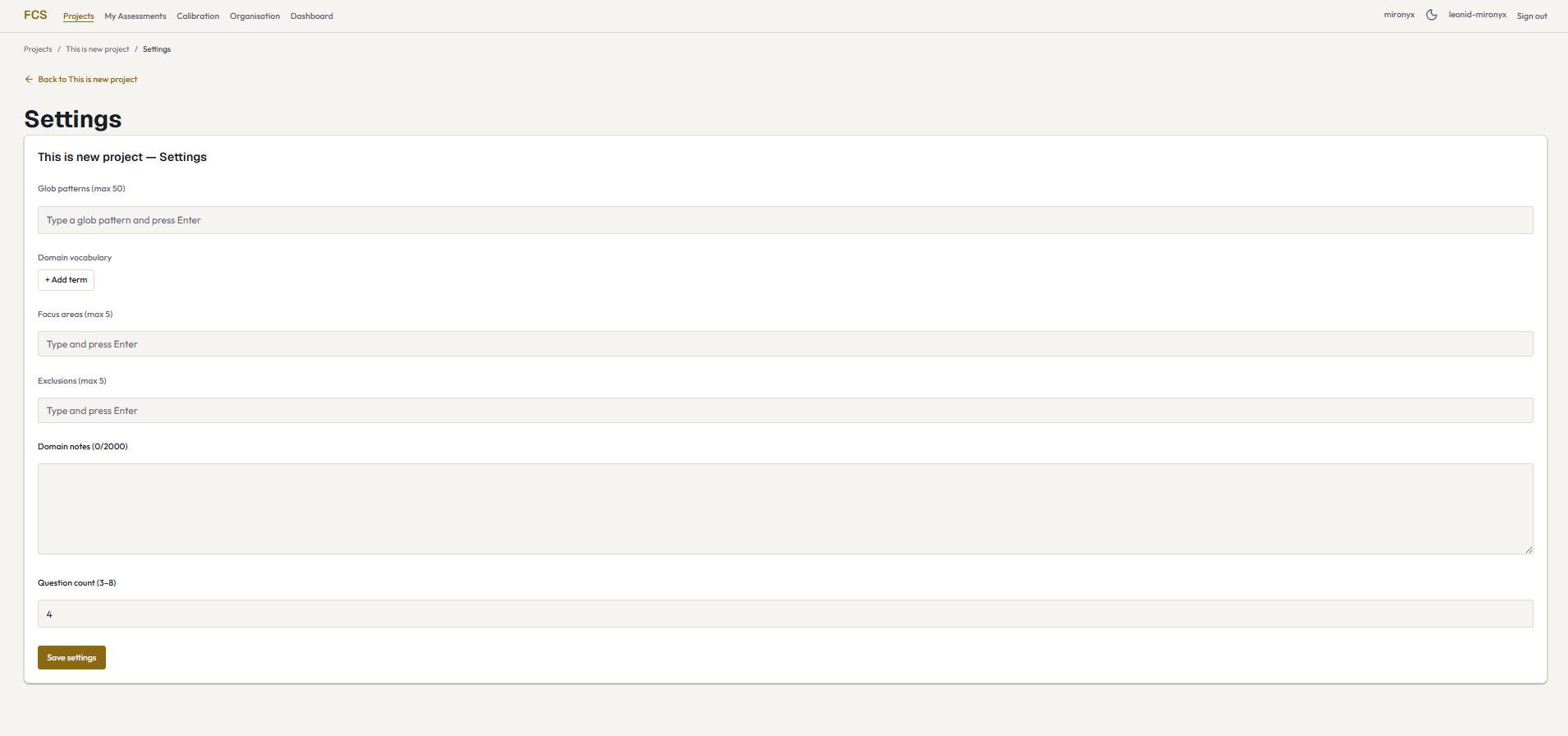
- Review the project configuration already loaded for the project. The available settings are:
- glob_patterns: file-matching patterns used to define the code scope for the project
- domain_notes: free-text notes that provide feature or domain context
- question_count: how many questions FCS should generate for the project
- domain_vocabulary: domain-specific term and definition pairs
- focus_areas: a short list of areas to emphasise
- exclusions: a short list of areas to leave out
- Update any settings that do not match the feature area or codebase you want to assess.
- Save your changes in the Settings form.

Good to know
Project settings are admin-only. If you can access the project but are redirected away from Settings, ask an organisation admin to update the project configuration.
- If no project-specific configuration has been saved yet, the form still opens with defaults. In that case, question_count starts at 4.
- The enforced limits for project settings are:
- project name: 1 to 200 characters - glob_patterns: up to 50 entries - domain_notes: up to 2000 characters - domain_vocabulary: up to 20 entries, each with a term of 1 to 100 characters and a definition of 1 to 500 characters - focus_areas: up to 5 entries - exclusions: up to 5 entries - question_count: 3 to 8
If you need the wider organisation set up in place before configuring a project, see Set up an organisation for assessments. When the project is ready, continue with Create your first FCS assessment.