
Create a project-scoped FCS assessment from a project workspace, then open the new assessment as soon as it is created.
Step by step
- Open the project you want to assess.
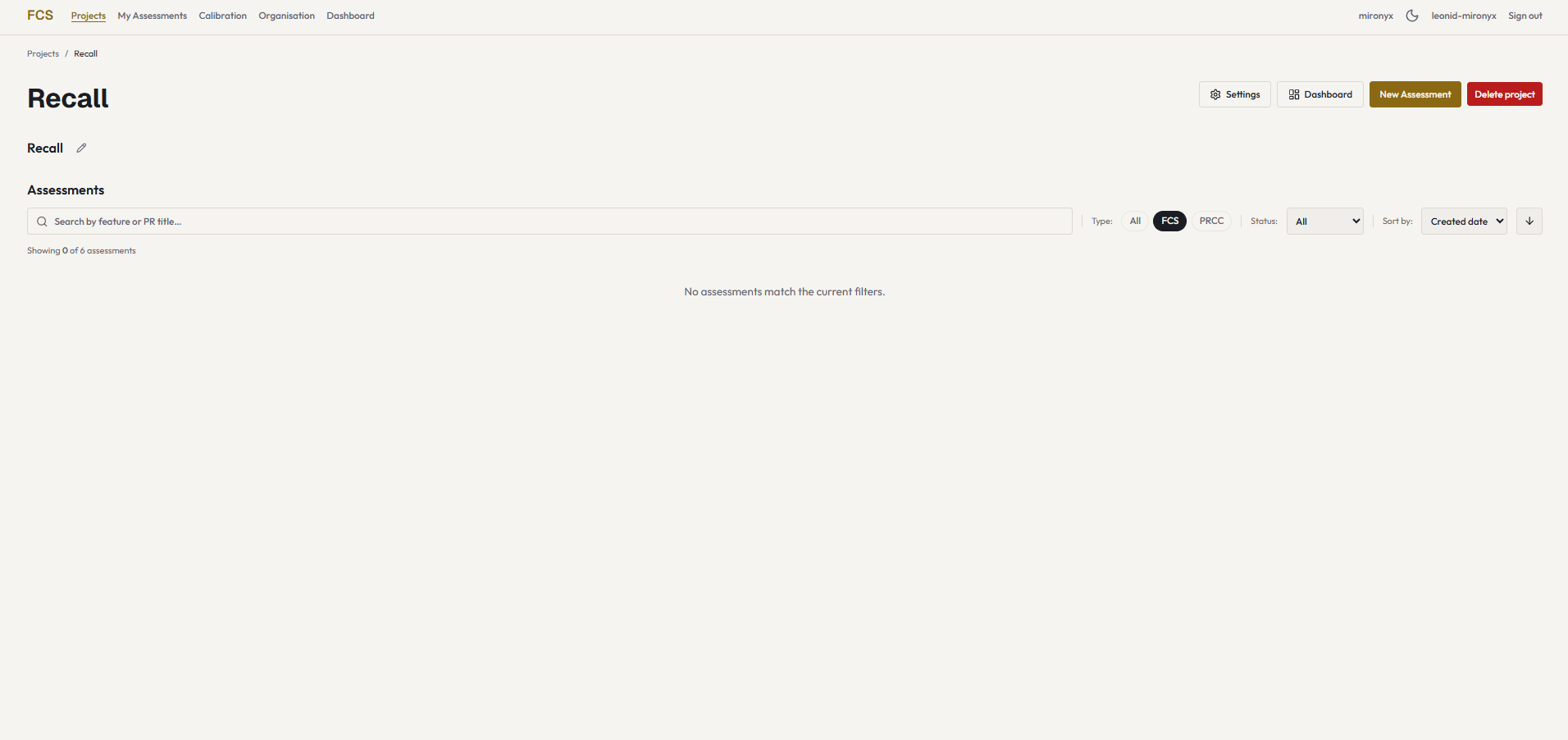
- Start the assessment flow:
- If the project already has assessments, click New Assessment in the project header.
- If the project has no assessments yet, click Create assessment.
- On New Assessment, enter the feature details:
- Feature name \*
- Feature description
- Comprehension Depth:
- Conceptual — Tests reasoning about approach, constraints, and rationale
- Detailed — Tests knowledge of specific types, files, and function signatures
- Repository \*, then choose the repository for the feature
- Add source references if you have them:
- Merged PR numbers (comma-separated)
- Issue numbers
- Submit the form using the create action on the form.
- Continue on the assessment detail page. After the assessment is created successfully, you are taken straight to that new assessment.


Good to know
You must be signed in, have an organisation selected, and have access to the project before you can create an assessment.
The repository list is filtered by your access. If you are a Repo Admin and cannot find the repository you need, ask an organisation admin to adjust your repository access or use a repository already available to you.